From Intent to Query

•
March 27, 2026
What a Semantic Layer Is and Why Agents Need One To Do Complex Numerical Queries Reliably
Semantic layer for agents, part II
The previous post in this series described the challenges in generating raw SQL to answer business-relevant questions, and promised that we’d show how a semantic layer could help with that.
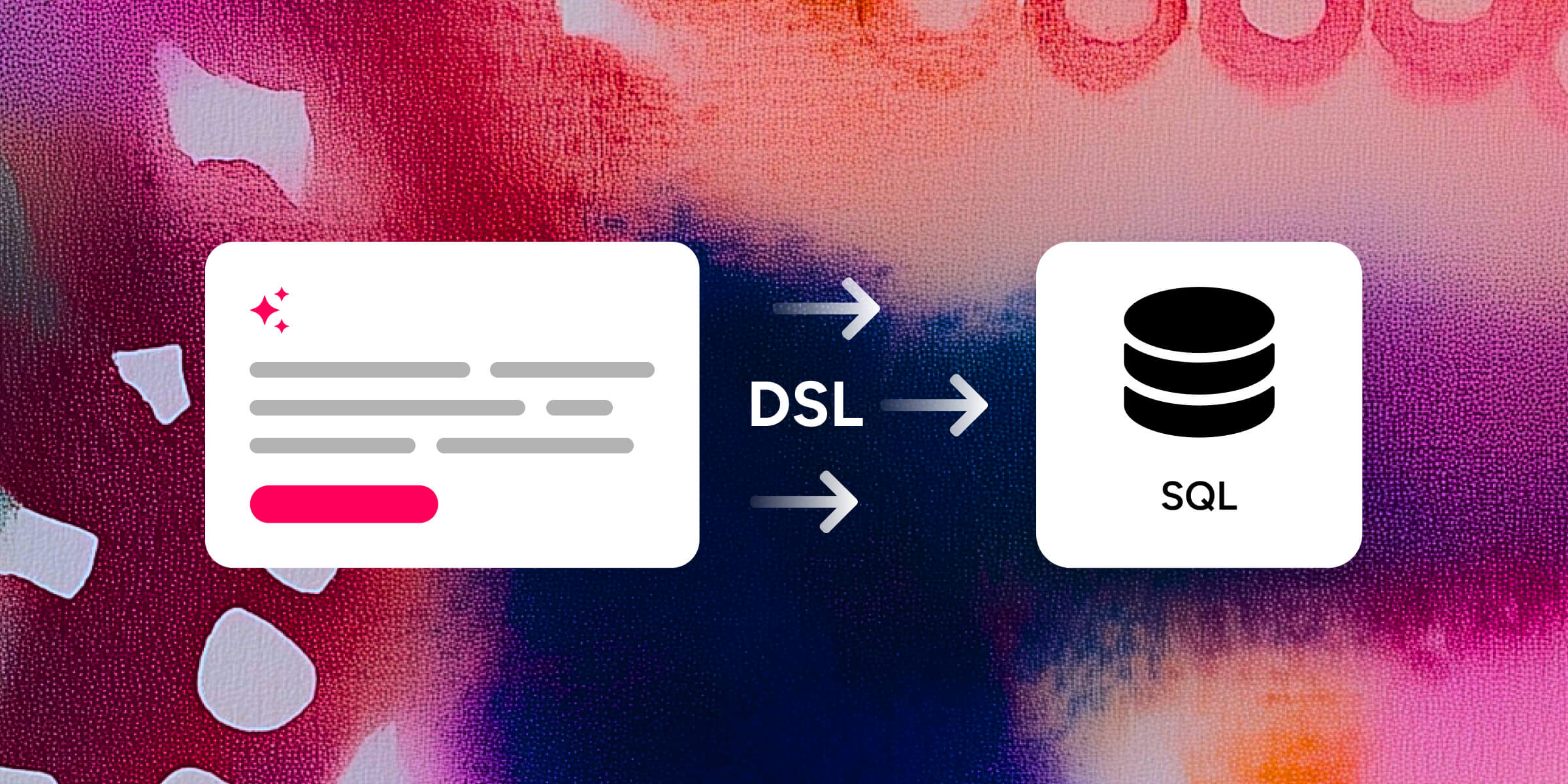
First of all, let’s define our terms, as the expression “Semantic layer” is being used in a number of different contexts. For the purpose of the discussion here, I would define it as a domain-specific language (DSL) for parametrizing exactly the tiny subset of all valid SQL queries that correspond to questions that users (agentic or human) are likely to ask of the data, and an engine to convert that DSL into queries on the underlying data source (which could be a SQL database or something else, such as a BI tool API).
It achieves that by focusing on intent, by making explicit instructions such as “metric X as of 12 months ago”, and providing a deterministic mechanism to transform that intent into the corresponding datasource queries.
In practice, the first most rough approximation of a semantic layer is just a parametrization of a GROUPBY query — the aggregations that appear after the SELECT statement are called metrics or measures, and the things you can group by are called dimensions. You can also specify conditions (filters) on dimensions, that become WHERE clauses, and on measures, which become HAVING clauses.
So far, so trivial (though predefined predefined business-logic-driven filters, or predefined aggregates, such as combining several columns into a metric that automatically converts values into the same currency, can add value even here).
The fun starts when some perfectly reasonable (from the user’s perspective) requirements don’t fit the basic groupby pattern.
The simplest case is post-query transforms, for example you may want to look at monthly change in revenue by region, product type, …, which requires first querying for total revenue, then ordering the result by time for each combination of other dimensions, and computing the change.
Another simple case is auto-aligning the time bounds with the chosen bucket bounds — for example, if we’re showing monthly totals, we often don’t want to show partial periods at beginning or end of the range. That means implementing consistent range-bumping logic.
More interestingly, you may need certain measures to be subqueries. For example, a time shift (eg “Show me monthly revenue next to monthly revenue a year ago”) is a very natural transform on a logical level, but it requires doing a separate query shifting the time range of the original one, shifting back the returned time dimension values, then joining that to main query by all the dimensions used.
Another example is groupby dimension override: for example, you may want a measure that always contains your total revenue by region, even though the rest of the query is e.g. by region and product type.
Even more interestingly, you may need certain dimensions to be subqueries. For example, you may want to group your users by month-on-month change in usage frequency, and then calculate, say, total KPI improvement for each of the groups — So the dimension you’re grouping by is itself the result of a query.
Finally, the table that you’re defining all these queries against may itself actually not be a table, but rather another, arbitrarily complex query. While this may seem like a cop-out (as we wanted to get away from complex, arbitrary SQL queries in the first place), it still is a legitimate example as we may need a custom query to transform several tables into an easy-to-query view (a recent customer example was merging an expenses table that had a row per payment, and a table of budgeted spend, that had a single row per application, into a single table that could be naturally queried for actual vs budget comparison across time) — but we then still use the semantic layer machinery for specific query patterns against it, such as time shifts.
The art of defining a good semantic layer DSL is picking enough of these cases to cover most of the queries your users will want, while still keeping the space of available options as small and simple as possible. Then the semantic layer query engine will take a valid semantic query config, and transform it into a guaranteed valid SQL query that expresses the same meaning, consistently and deterministically.
This is useful because now the agent only needs to express the data it needs in terms of the “semantically natural” terms such as “total revenue time shifted by 12 months”, “Align time period boundaries=True”, or “dimensions=[another_query.usage_change]” and the semantic layer can validate the request that the agent makes in terms of its own DSL (or even have an internal LLM-driven validation loop converting a natural language query by the agent into a valid DSL query) — leaving to the agent many fewer choices to make compared to writing an arbitrary full, multilevel SQL query, and thus making it much more likely the agent will get it right.
Next post will cover the specific choices that we at Motley made in designing our semantic layer, driven by the queries our clients needed.