No Single Image Generation Model Could Create My Vision — So I Made Them Work as a Team

•
March 27, 2026

Recently, I wanted to create a new top for our coffee table. As I both have strong maker instincts and a penchant for playing with AI, I decided to generate a nice stylized image of a cherry tree, then laser-engrave it on a piece of plywood (and lacquer the latter for a nice sheen).
This gave me a nice excuse for playing with the ever-moving landscape of AI image generators. I used the prompt “Create a vector graphics image of a cherry tree in blossom, asymmetric stylized Japanese woodcut-style, black and white, lots of gnarled roots and branches, lots of blossoms, no background, the WHOLE tree fits into the picture.”
First stop was of course the lately much-hyped Nano Banana Pro.
Unfortunately, its sense of style was terrible — the best I could get out of it was this:
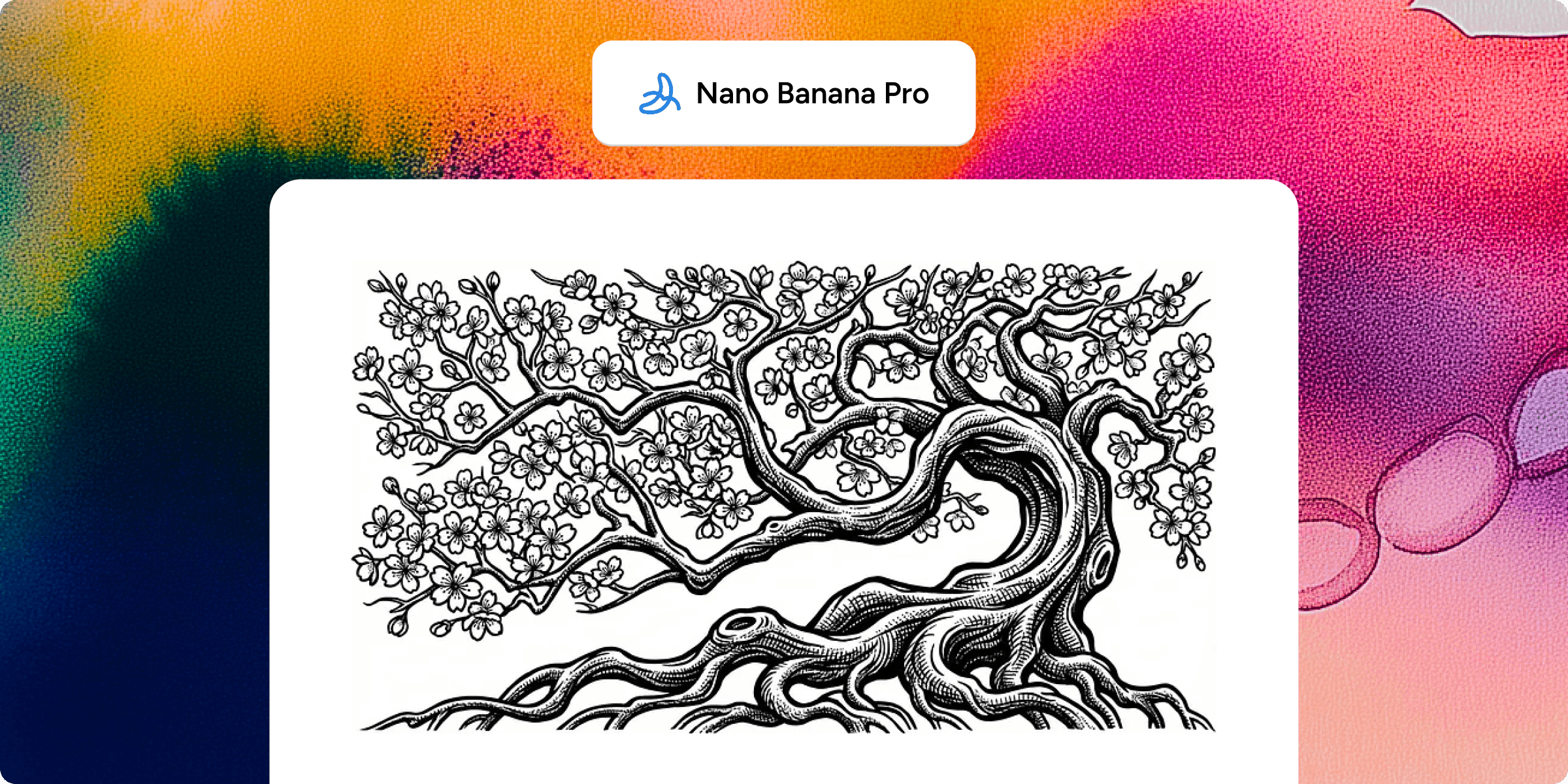
It’s sharp enough, and got blossoms and gnarled roots alright, but the style is all wrong — maybe medieval, but certainly not Japanese.
Next stop was my old favorite, Midjourney. Say what you want about its flaws, but its sense of graphical style is still beyond that of any of the other models. This also turned out to be the case here: after a couple of retries (which are also much easier to do in the Midjourney UI) I got the following:
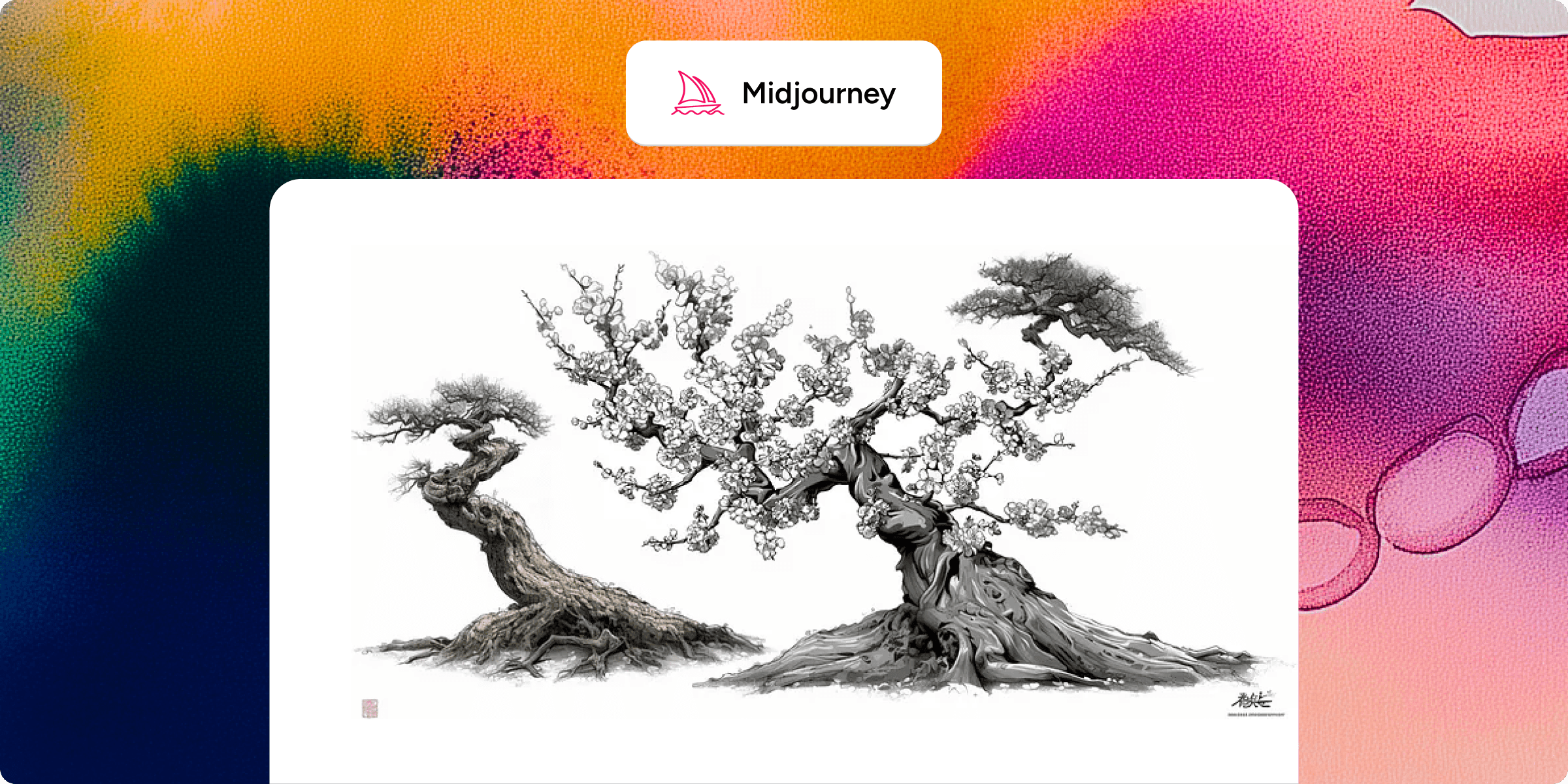
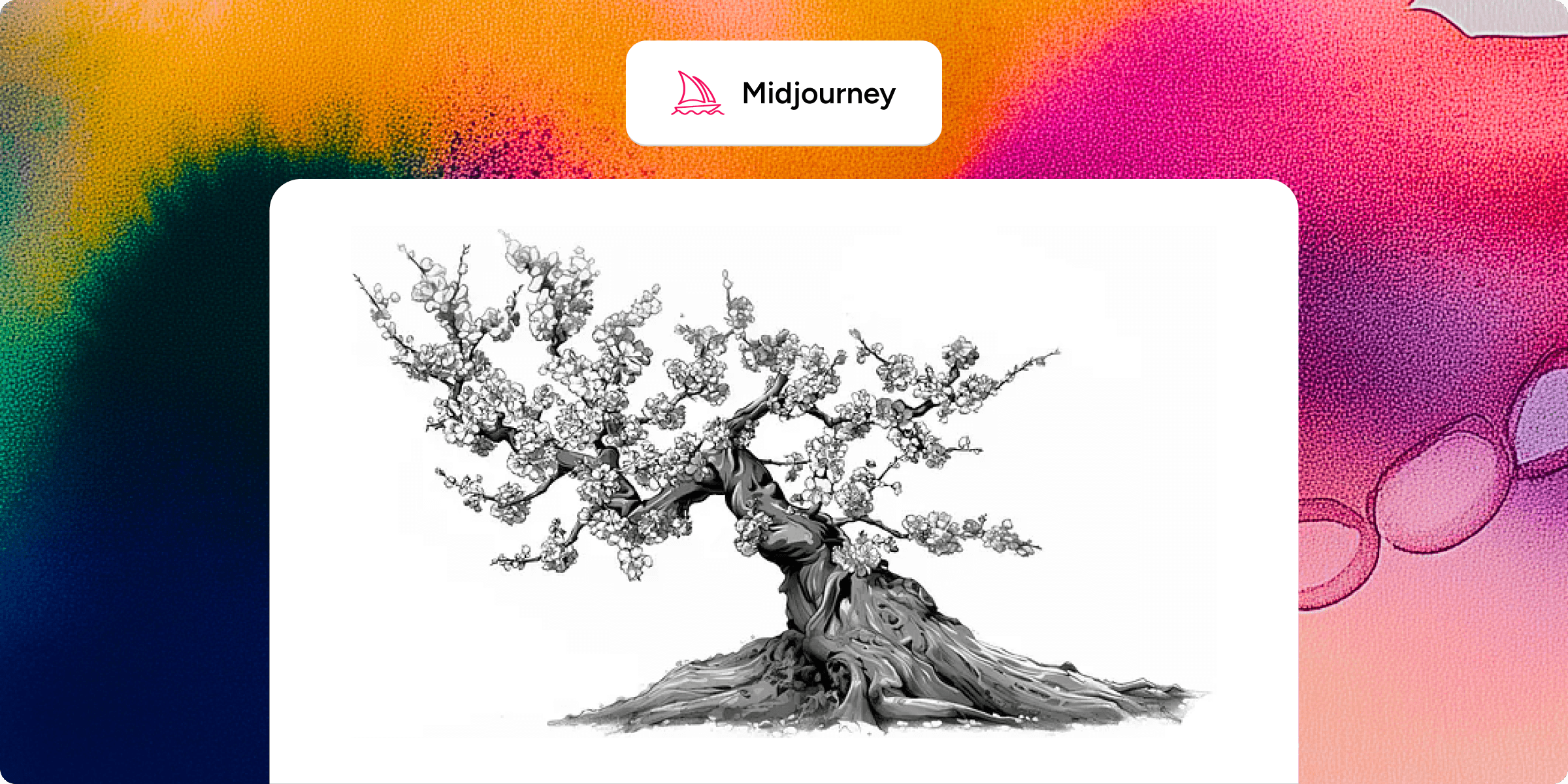
As usual, Midjourney’s ability to produce pictures that actually make sense is pretty low, but the style is much better. Clean up the trash on the sides with a manual image editor, and I get which is already pretty good. It’s not quite crisp enough for a vector engraving though, and especially the blooms in the top left part of the image are more blobs than blooms.
So back to Gemini, which I asked to sharpen up the image with a view to vector engraving, and make the blooms more realistic. With a specific task like that, with no style sensitivity required, it did great, giving me this:
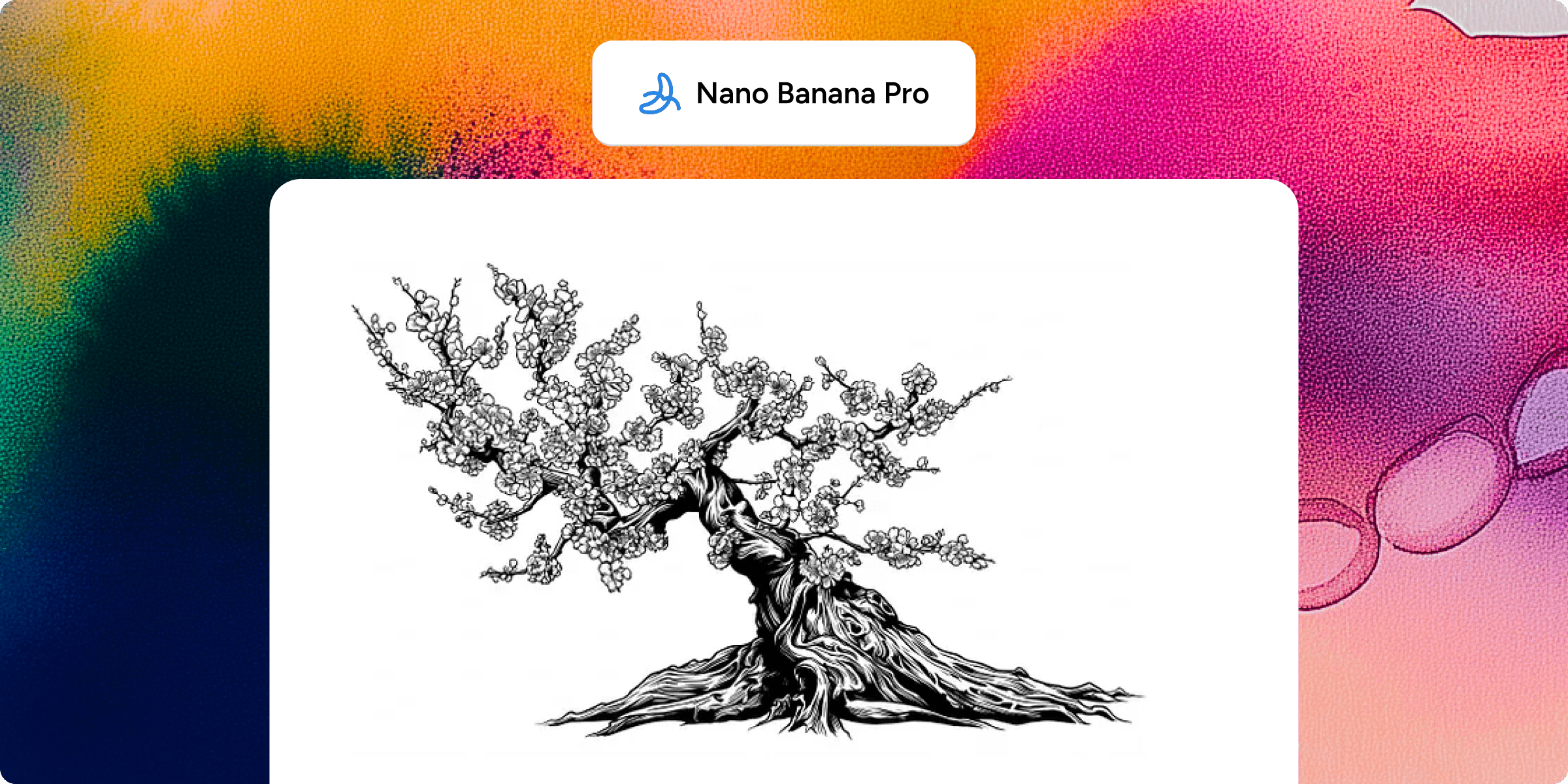
We’re getting real close now. The only issue left is the low resolution of that image, and it proved (unsurprisingly perhaps) impossible to make Gemini produce a hi-res version.
On to an upscaler service, https://letsenhance.io. Very nice experience — easy sign-up, simple enough (but not too simple) interface, enough free tokens to do half a dozen runs playing with the different settings. It has a generative model in the background as well, exposing some levers to let you trade off between closeness to the original image, and what the model thinks would look nice. After some experimentation, the following was generated in Ultra mode (could only get a 4x upscale on the free tokens, but that’s enough for my purposes):
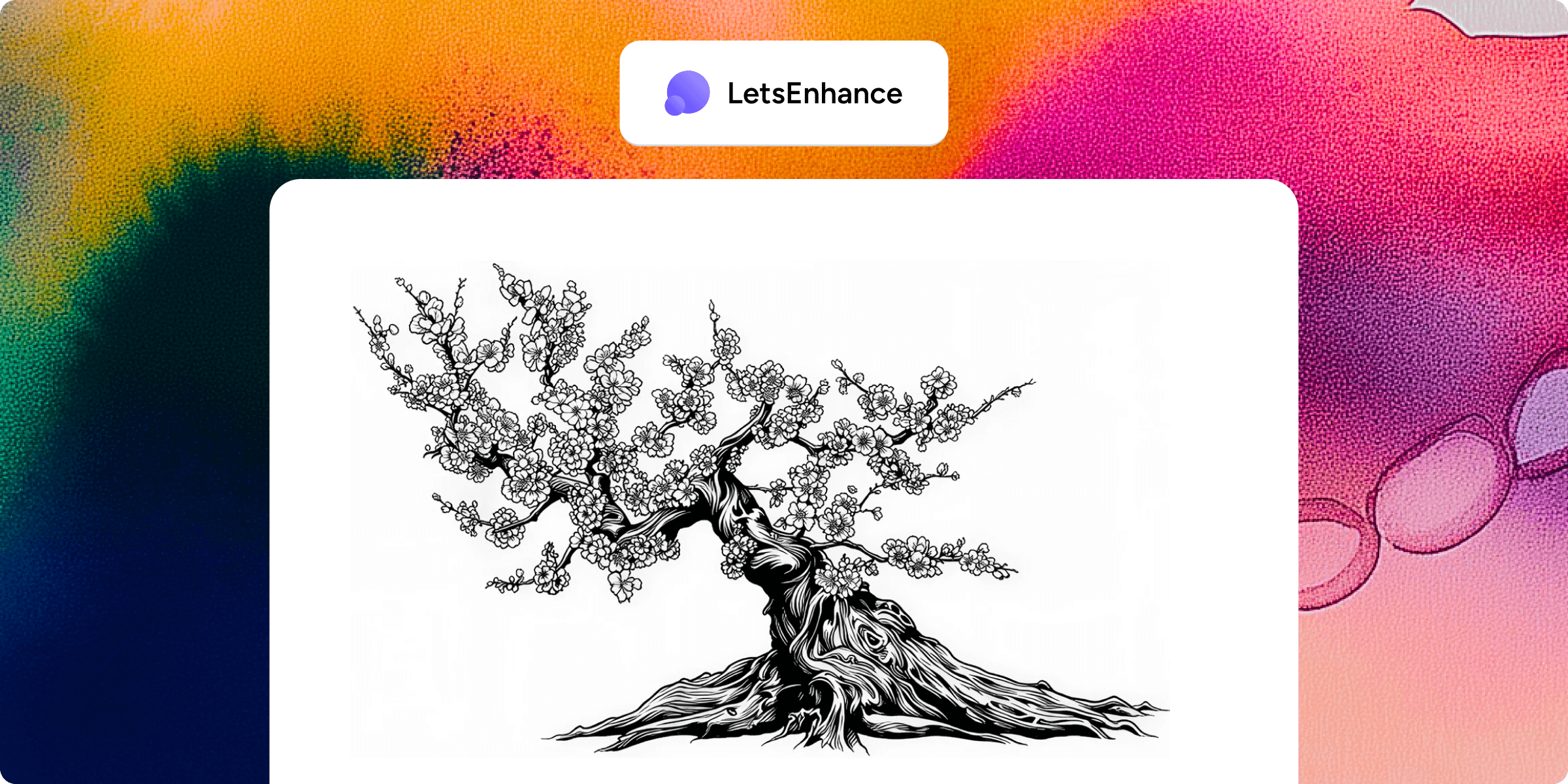
This is quite close enough to what I had in mind, and hi-res enough to engrave (or I’ll upscale it again if I need to).
I’m off to the laser-engraving shop.