Too Close for Comfort: How IDE Integration Became a Straitjacket

•
March 27, 2026
Egor’s tour of AI coding agents part II
Since most coders spend most of their working day in an IDE, that seems a logical place to embed a coding assistant aimed at coders, so there is about a dozen assistants doing just that. How do you choose one?
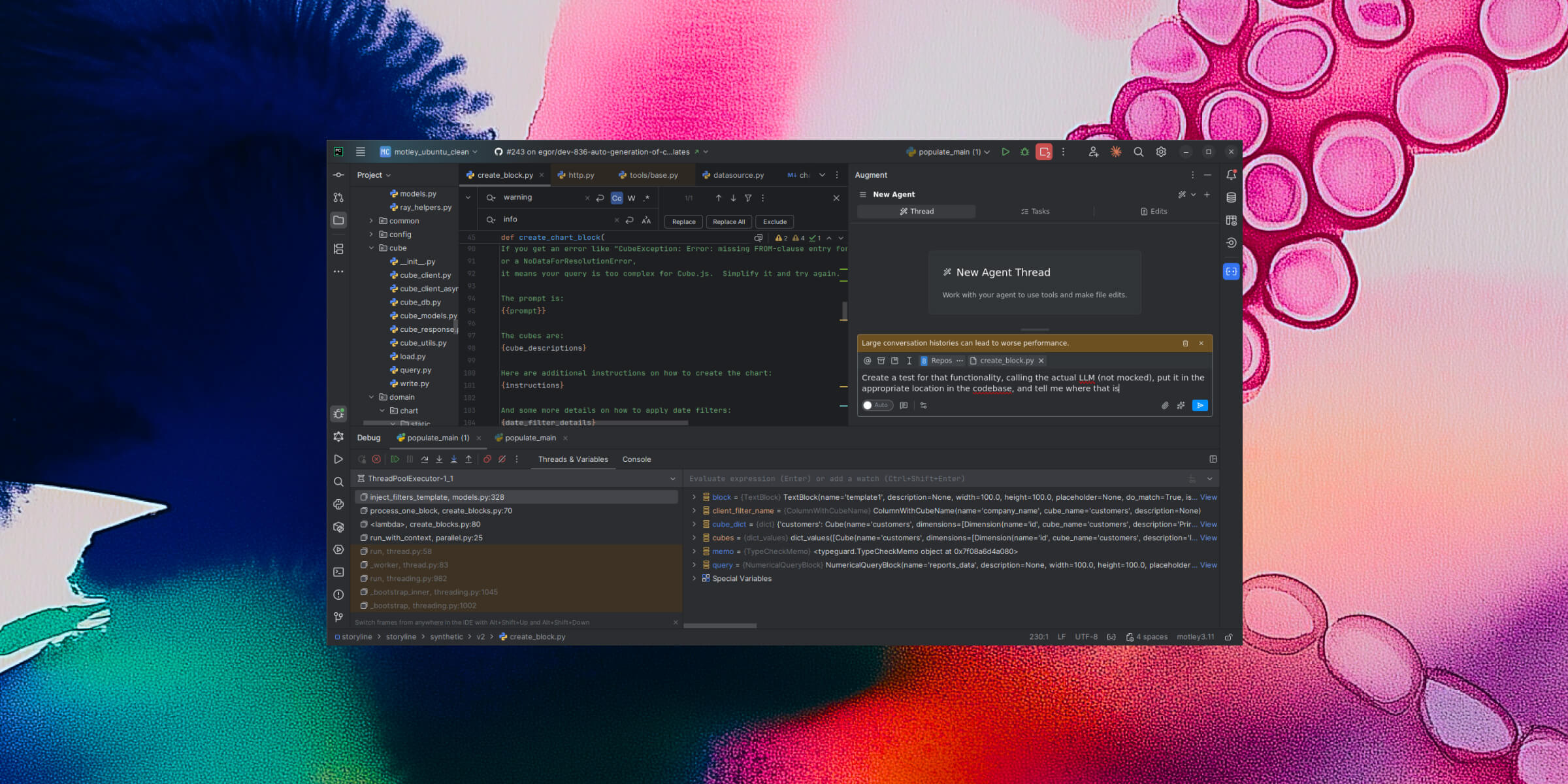
I strongly prefer JetBrains IDEs such as PyCharm over VSCode and its forks (VSCode doesn’t appear to even have basic stuff like Run/Debug configurations. Maybe there’s a plugin for that but I really can’t be bothered to look when PyCharm works just fine); so Cursor, which got the most hype in this area over the past year, was not an option for me. In April 2025 I did a feature comparison of the ones that did support JetBrains (some couldn’t even do something as basic as running code it just generated and getting the output back, or read a web link I supplied) and settled on Augment Code, which had great JetBrains integration.
In reality, an IDE-integrated coding assistant performs two almost unrelated functions: firstly, smart auto-complete within one file (I start typing, and it suggests either the rest of the line, or even the next handful of lines) — for this one, speed and and an up-to-date understanding of the codebase is essential, but no big-picture planning is really needed.
The other function of an IDE-based coding assistant is serving as a “coding agent”, “agent” here being used in the sense of a feedback loop that uses the LLM to propose plans and code snippets, and then gets feedback from both the user and from running the code it generated, in particular against tests and linters.
This second function can, at first glance, also seem to benefit from IDE integration: for example, the Augment agent was aware of the file I last focused on in the IDE, so it was easy for me to start requesting changes to that one. However, in practice that turned out to be more a nuisance than a help: as an agent executing a fairly complex plan can easily take some tens of minutes to run, I would naturally start on another task in the code even as I was monitoring the agent’s progress; however, focussing on another file apparently changed the working directory of the agent which completely confused it; so while it was working all I could do was stare at my IDE, without doing anything except interrupting the agent when it started to go in a wrong direction — hardly an ideal setup.
Another annoying part of an IDE-based setup is that all the configs also live in the IDE and are managed by the corresponding plugin (Augment in my case). Not only does it mean that the configs are quite minimalistic; the much worse problem is that the plugin was overriding them at will — for example, when I set up some MCP servers for it, and then disabled some of them, Augment was systematically deleting the “disable” setting and trying to use that MCP server anyway.
And that’s apart from the occasional bug, where a plugin UI update made the agent unusable until the next update was deployed (and of course, there is no way to roll back to the previous plugin version).
That’s why, while I keep Augment (for now) as my smart autocomplete solution (though I am on the lookout for another one, that’s faster and immediately picks up any changes to the codebase), I moved to Claude Code for my coding agent needs.
The next installment of this series will be devoted to my experiences with that.
Did you have a better experience with an IDE-based coding agent? Which one did you use and what were its best and worst part? Would you recommend it? Please share in the comments!